If you have already published property and would like to un-publish for any reason, you will have to Archive the property. An Archived property can then be re-published.
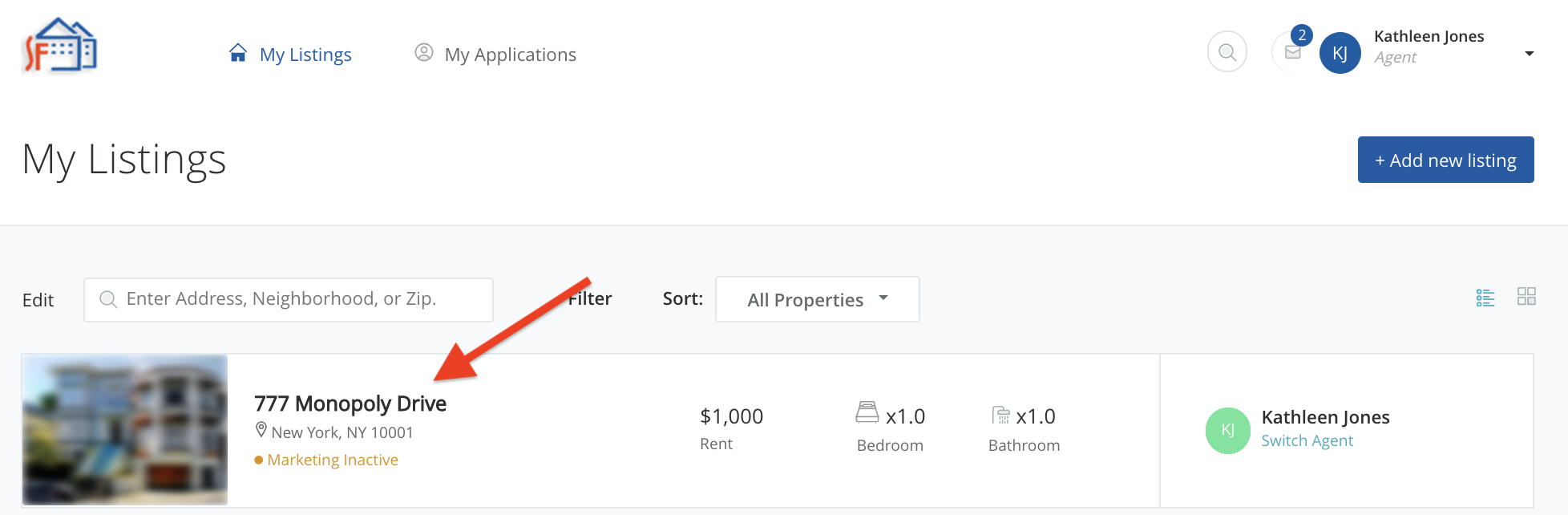
Click on the property address to go into the property details page.
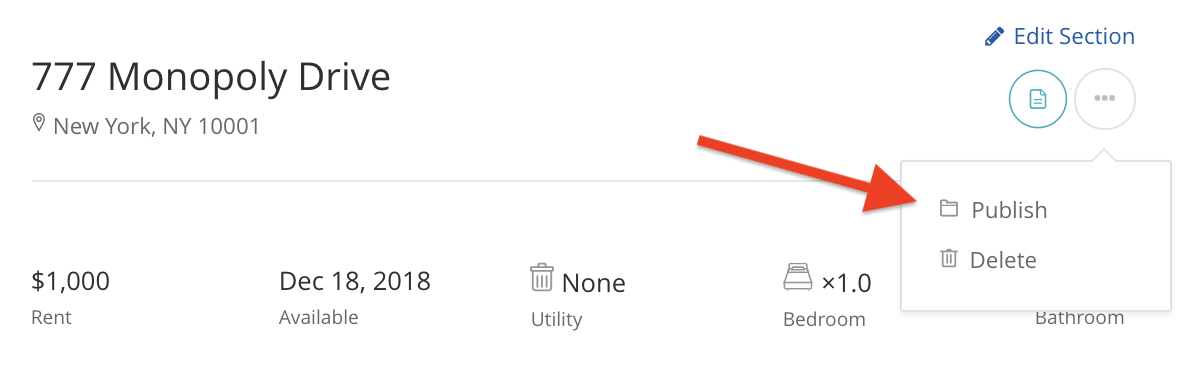
Then click on the options icon to move the property to Archive.
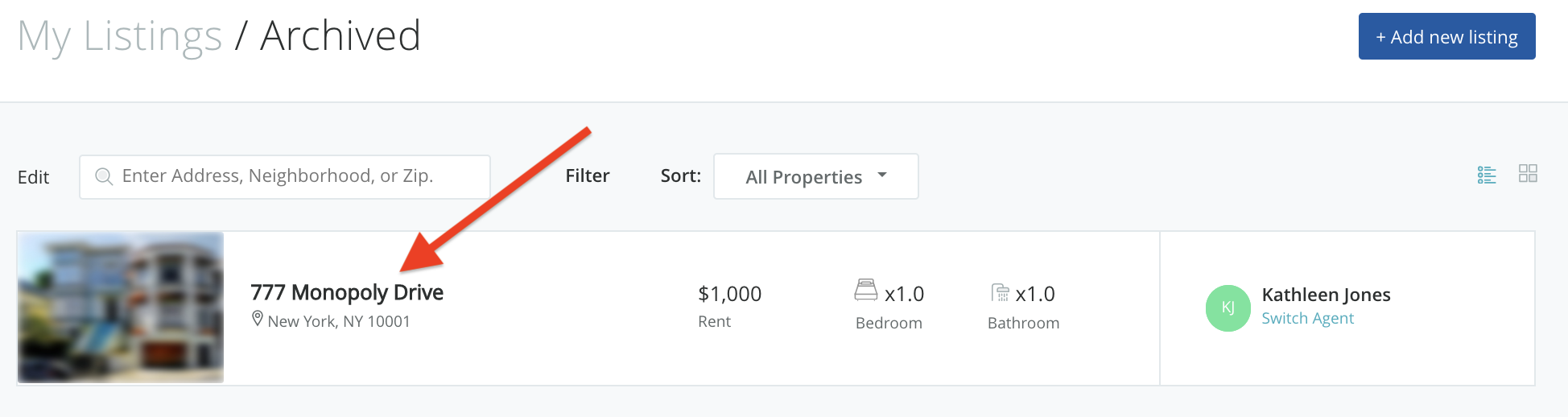
The property is now in the Archived folder. By hovering over My Listings, you will see different Properties folders. Click on Archived. Then again, click on the property address.

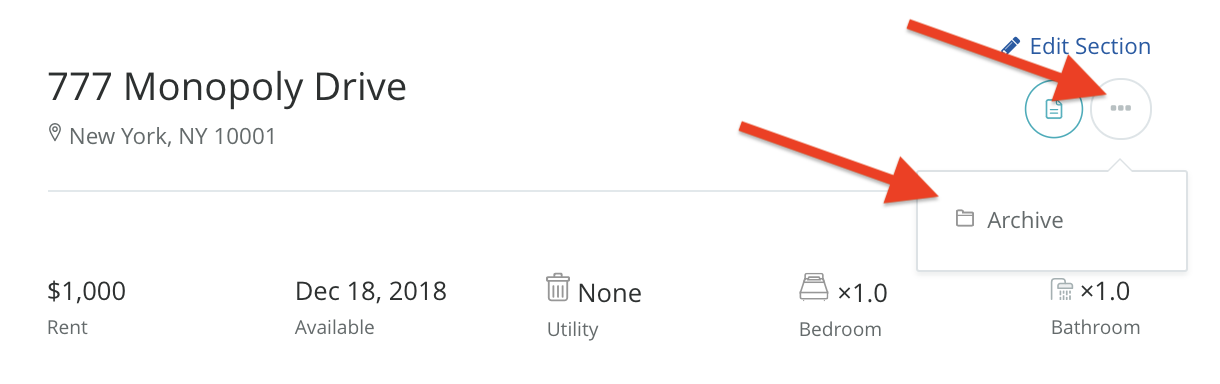
After clicking on the property address, you will see the options icon again. You can chose to publish again, or delete and completely remove the property from your account.
Still need help? Submit a support request here.